

5 Mistakes to Avoid When Selling Your Used Laptop
Selling a used laptop becomes easier when you know what mistakes to avoid. This guide covers five common mistakes, including ignoring laptop condition, not checking specifications, forgetting to remove personal data, accepting the first offer and choosing a buyer only because of a high price.
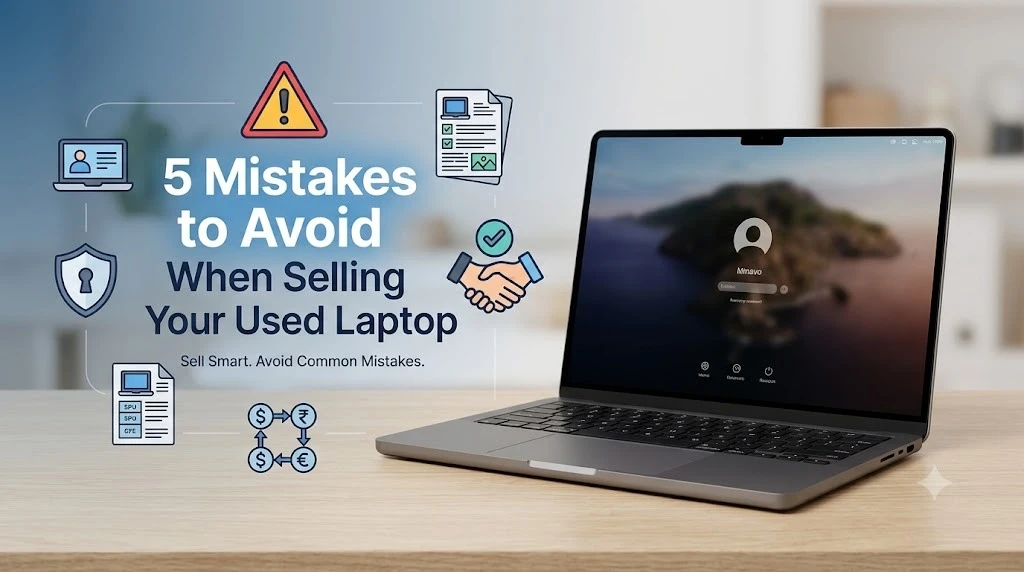
Selling an old laptop can be a simple way to make some extra money from a device you no longer use. However, many people make small mistakes during the selling process that can reduce the value of their laptop or create problems later.
If you are planning to sell your used laptop, it is important to understand the condition of your device, protect your personal information and choose a reliable selling option. Here are five common mistakes you should avoid.
1. Not Checking Your Laptop's Condition
Before selling your laptop, check its actual condition. Test the display, keyboard, touchpad, battery, charger, USB ports, Wi-Fi and overall performance.
Also look for physical damage such as cracks, dents, broken hinges or screen problems. These factors can affect the resale value.
Don't assume that a laptop with a minor issue has no value. Depending on the model and condition, some buyers may still be interested in damaged or non-working laptops.
2. Not Knowing Your Laptop's Specifications
Another common mistake is not knowing the basic specifications of the laptop you are selling.
Before contacting a buyer, check the brand, model, processor, RAM, storage, screen size and approximate purchase year. These details help you understand what kind of laptop you have and make it easier to compare different offers.
A laptop with a newer processor, SSD storage and higher RAM may have better resale potential than an older basic model.
3. Forgetting to Remove Personal Data
Your laptop may contain personal photos, documents, saved passwords, emails and other important information.
Before you sell it, back up the files you want to keep and sign out of your accounts. Remove personal information and perform a proper factory reset or secure data wipe.
Simply deleting a few files is not enough. Make sure your personal data is properly removed before handing the laptop to another person.
This is one of the most important steps when you sell used laptop for cash, because protecting your information should come before completing the transaction.
4. Accepting the First Offer
One of the biggest mistakes sellers make is accepting the first price they receive.
Before making a decision, check the current value of your laptop and compare offers where possible. When comparing buyers, don't look only at the quoted price. Also consider the evaluation process, payment method, pickup facility and any additional charges.
Taking a little time to compare your options can help you make a more informed decision instead of accepting an unnecessarily low offer.
5. Choosing a Buyer Only Because of a High Price
A high offer can be attractive, but price should not be the only factor when selecting a buyer.
If you are searching for places to sell my laptop, look for a buyer with a clear and transparent process. Understand how the laptop will be evaluated and when you will receive payment.
A reliable buyer should clearly explain the selling process instead of changing the terms at the last moment.
What Is the Best Way to Sell Your Used Laptop?
There are several options available when you want to sell an old laptop. You can approach a local buyer, use an online marketplace or choose a professional laptop-buying service.
If your priority is convenience, selling directly to a professional buyer can save you the time involved in creating listings, answering multiple enquiries and negotiating with individual buyers.
Final Thoughts
Selling a used laptop doesn't have to be difficult. The key is to avoid common mistakes and prepare your device properly before selling.
Check its condition and specifications, remove your personal data, compare offers and choose a reliable buyer. If you want to sell used laptop for cash, make sure you understand the complete selling process before handing over your device.
With the right preparation, you can make the selling process smoother and improve your chances of getting a fair value for your laptop.
Frequently Asked Questions
What's Your Reaction?
 Like
0
Like
0
 Dislike
0
Dislike
0
 Love
0
Love
0
 Funny
0
Funny
0
 Wow
0
Wow
0
 Sad
0
Sad
0
 Angry
0
Angry
0

















Comments (0)